
Tech, Explained · Security
What Is a Passkey?
A passkey can remove the familiar password box from a sign-in without removing the need to prove who you are.
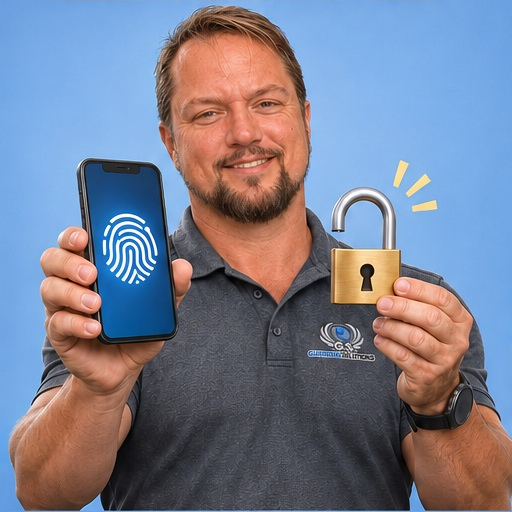
The plain-English answer
A passkey uses cryptographic credentials to sign in to a service. The device or credential manager handles the cryptography, and you may unlock access with a device PIN or biometric check. The private credential is not simply typed into a website like a password.
What this means in the real world
Because credentials are tied to the intended service, passkeys can resist common phishing techniques that steal typed passwords. The exact experience depends on the service and device setup. Business account recovery and device changes still need planning.
A familiar business situation
Imagine a hypothetical architecture studio enabling passkeys for a supported business account. An employee signs in by unlocking a trusted device instead of typing a password into the site. The experience feels simpler, but the owner still needs to know what happens when that device is lost or the employee leaves. The team checks the service's recovery options and whether credentials are managed through an approved business setup. It avoids making one person's personal phone the only practical route into a shared administrative account. Testing a legitimate recovery path in advance helps the studio understand its access arrangements without waiting for a deadline or missing device to expose the gap.
What business owners should watch for
A passkey is not a reason to ignore device security or recovery access. Availability, synchronization and administrator controls vary. Never approve a sign-in just because an unexpected message tells you to.
One useful next step
For supported accounts, review the official setup and recovery instructions. Decide how the business will maintain access when a phone is replaced or an employee leaves.
How to make a sensible decision
Review passkeys account by account using the provider's official instructions. Consider who needs access, which devices are approved and how access will be removed when roles change. Confirm recovery arrangements before replacing existing methods, especially for domain, website and other essential business accounts. Ask your IT provider how the chosen device or credential manager handles synchronization and administration. Keep devices protected and treat unexpected sign-in requests cautiously. The aim is stronger, manageable authentication, with an access plan that continues to work when people and equipment change over time.
Is my fingerprint sent to every website?
Typically the biometric check unlocks the credential locally rather than sending the fingerprint to the site. Check the device and service documentation for the specific implementation.
The takeaway
Passkeys can improve sign-in security and convenience, but recovery and business ownership still matter. Adopt them with a clear plan for lost devices, staff changes and continued access to essential accounts.