
Tech, Explained · Security
What Is MFA? Multifactor Authentication Explained
A password can be stolen. Multifactor authentication adds another kind of check before an account opens.
The plain-English answer
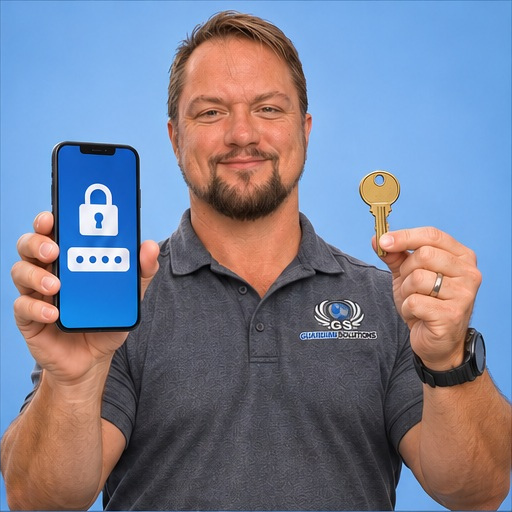
MFA uses more than one type of evidence to verify a sign-in, such as something you know and something you possess. An authenticator or security key can provide a second factor. Two passwords alone are not two different factors.
What this means in the real world
For a business email account, an additional check can reduce the damage from a stolen password. Some methods resist phishing better than others, so the choice matters. Recovery arrangements also need care so the business is not locked out when a phone is lost.
A familiar business situation
Suppose a property maintenance company protects its business email with an additional sign-in check. An employee then receives repeated approval prompts while away from work, even though they are not trying to log in. In this hypothetical situation, the employee rejects the prompts and reports them rather than approving one to make the interruptions stop. The company investigates through its support process. It also checks whether its accounts support a stronger, phishing-resistant sign-in method. Separately, the owner makes sure a lost phone would not leave the business without a safe recovery route. Protection and recovery need to be planned together, rather than discovering the recovery problem during an urgent incident.
What business owners should watch for
MFA does not make every attack impossible. Approving an unexpected sign-in request can defeat the protection. Never share codes with someone who contacted you unexpectedly or approve a prompt you did not initiate.
One useful next step
Enable appropriate MFA on important accounts and document recovery securely. Train staff to question unexpected prompts and verify that departing employees lose access.
How to make a sensible decision
Start with the accounts that could cause the most disruption if taken over, including email, domain registration and website administration. Ask which MFA methods each service supports and whether phishing-resistant options suit your team. Give each person an appropriate account instead of treating shared passwords and shared codes as a long-term arrangement. Document recovery through approved secure methods, and test the process without weakening it. Staff should know that an unexpected prompt is a reason to stop and report, not an instruction to approve whatever appears on their screen.
Is a text message code better than nothing?
Often it adds protection, but stronger options may be available. Ask your provider about phishing-resistant methods and choose a setup that your team can maintain safely.
The takeaway
MFA adds protection beyond a password, but the method and recovery setup matter. Choose strong supported options, protect recovery information and teach staff to reject sign-in prompts they did not initiate.