
A service-area business travels to customers rather than receiving them at a public storefront. Plumbers, electricians, cleaning services and mobile repair businesses need customers to understand both what they do and where they can actually deliver it.
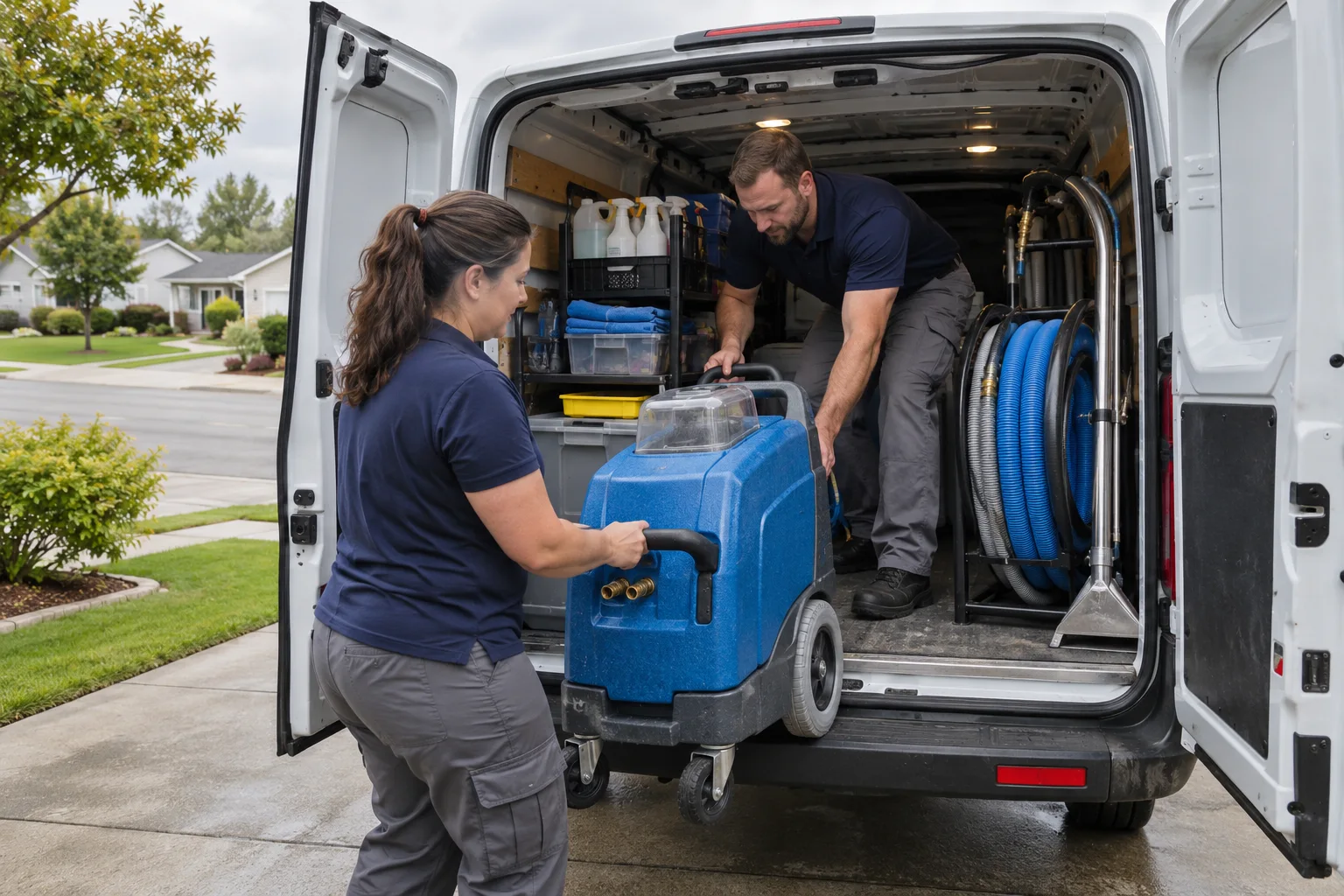
Service-area SEO starts with accurate business information, a useful website and a way to distinguish genuine inquiries from clicks. It does not require an invented office, a profile for every town or a page for every postcode. This guide focuses on those operational decisions rather than promises about rankings.
Contents
- Identify your business model
- Set up an accurate Business Profile
- Explain your service coverage
- Make the website useful for inquiries
- Manage listings and reviews responsibly
- Measure actual business outcomes
- Choose the next improvement
Identify your business model
A service-area business visits customers at their locations. A storefront receives customers at its own location. A hybrid business does both. The distinction matters because the address displayed on a Google Business Profile should reflect how customers can actually interact with the business.
If customers are not received at your address, hide the address from the public profile. That is different from withholding a real operating address when Google requires it for verification. Do not substitute a PO box, virtual office or fabricated location to appear in another city.
Google’s business representation guidelines explain the eligibility and address rules. A hybrid or storefront location must meet the relevant customer-facing requirements. Do not describe a private home as a walk-in office if it is not one.
For a business with several bases, check each location’s eligibility separately. Serving several towns does not by itself justify several profiles. An online-only or lead-generation business should not assume it qualifies just because its customers are local.
Set up an accurate Business Profile
Find and manage the existing profile before creating another one. Use the real-world business name, an appropriate primary category, accurate phone and website details, and hours that reflect when the business is available. Do not append city or service keywords to the name unless they are genuinely part of the business name.
Define the areas you genuinely serve using the current profile controls and Google’s guidance. A broader service-area selection does not guarantee rankings across that region. Capacity, travel time and customer expectations should determine coverage, not a desire to appear everywhere.
Google selects the available verification methods. These can vary and may include video or other evidence; mail and phone are not universal options. Follow the method actually offered and keep the information consistent with your real operation. See Google’s verification guidance.
Use genuine photographs of your work where you have permission to publish them. Avoid exposing a customer’s address, identifying information or private property details without permission. Geotagging images is not a substitute for accurate business information, and should not be presented as a guaranteed ranking technique.
Only list services and availability you actually provide. Do not add “24/7 emergency service” because it is a popular keyword if you cannot deliver it. Answer common questions on your website and use only the contact or question features available on your current profile.
Our Google Business Profile guide covers current features, address accuracy and the limits of profile performance metrics.
Explain your service coverage
Give visitors a clear answer to “Can you help at my location?” List the areas served, any boundaries or exclusions, and how to confirm availability. If travel charges or service restrictions apply, explain the actual policy rather than letting visitors infer it from a city name.
Start with a useful service or coverage page. Create an additional area page only when it has distinct information customers need, such as genuine service differences, documented work or location-specific logistics. Do not automatically create one page per city or postcode.
Use real projects and quotations only with permission. A fictional “Fixed our leak in Falcon” testimonial is not evidence of local work. Similarly, do not imply that a stock image shows your team at a particular job site.
Normal content overlap is not automatically a spam penalty. The more important questions are whether the page helps the visitor and whether the site is manufacturing near-identical doorway pages. See our multi-city page planning guide for eligibility, useful content and canonical considerations.
Keep titles and headings descriptive and natural. Describe informative images accurately and leave purely decorative images with empty alternative text. “Geo-tagged alt text” is not a separate technical requirement.
Make the website useful for inquiries
A visitor should be able to identify the service, coverage and next step without searching through unrelated marketing copy. Put the relevant contact route near the service explanation and make it usable on a phone.
- Use readable text, clear labels and enough contrast.
- Check that navigation and form fields work with a keyboard.
- Make phone links dial the correct number.
- Ask for the minimum information needed to assess the inquiry.
- Explain what happens after submission only when that process is actually established.
- Test that a submitted inquiry is recorded and delivered, rather than relying only on a thank-you screen.
For an initial service inquiry, a description of the need and general location may be enough. Avoid requesting passwords, payment details or private customer records in an ordinary contact form. Do not publish response-time promises you cannot support.
Keep the site updated, backed up and protected with appropriate access controls. HTTPS protects the connection between the visitor and the site; it does not by itself make the whole website secure. Test page loading and usability on real devices rather than assuming a desktop preview proves the mobile experience.
Manage listings and reviews responsibly
Keep each legitimate listing accurate for the business it represents. Correct old numbers, wrong hours and duplicate profiles through the platform’s supported process. Directory tools can help find inconsistencies, but automated warnings require review before changing or removing a legitimate listing.
Invite honest feedback consistently, without selecting only happy customers or filtering dissatisfied customers away from the public review option. Follow each platform’s rules about review solicitation. Do not offer incentives, buy reviews or write them on customers’ behalf.
Respond professionally without revealing the customer’s address, neighborhood, private job details or other information they did not choose to publish. You can acknowledge feedback without adding identifying details to make a reply sound more local.
Real reviews and useful community involvement help people evaluate a business. They do not guarantee a particular ranking or sales result. Choose local partnerships and directories for genuine relevance, not a promise that every link will improve SEO.
Measure actual business outcomes
Use a measurement plan that separates visibility from inquiries and completed work. Search impressions, visits, phone-button clicks, connected calls, qualified leads and booked jobs are different events.
- Search visibility: Search Console shows available search-query and page data. It does not provide a complete city-level record of every searcher.
- Profile actions: Business Profile call metrics count call-button clicks, not proof of connected calls. Available metrics vary by profile.
- Website events: Configure and verify relevant analytics events. A form-button click is not proof that the message reached your team.
- Qualified work: Use appropriate call, inquiry or CRM records to identify service fit, booked work and revenue.
Google explains profile metrics in its Business Profile performance documentation. UTM parameters can label traffic sources, but they do not calculate profit or prove that a campaign caused a sale.
Review location data cautiously: analytics geography is approximate, and a page’s city name does not establish where the visitor or completed job was located. Deduplicate repeat inquiries and protect customer information when building reports.
Paid Local Services Ads are a separate advertising channel with eligibility, verification and payment requirements. They are not an organic ranking shortcut. Do not mix paid leads into organic reporting without labeling them, or assume advertising is required for an SEO plan.
Choose the next improvement
Fix inaccurate business details and broken inquiry routes before expanding content. Then improve the service pages customers need most, using real coverage, clear next steps and evidence you can support. Review whether the resulting inquiries fit the work you can deliver.
For help with that plan, explore Guardian’s local SEO services or contact Guardian Solutions with your website, actual service area and the kinds of inquiries you want to attract. Do not send passwords or private customer records through the initial inquiry form.