
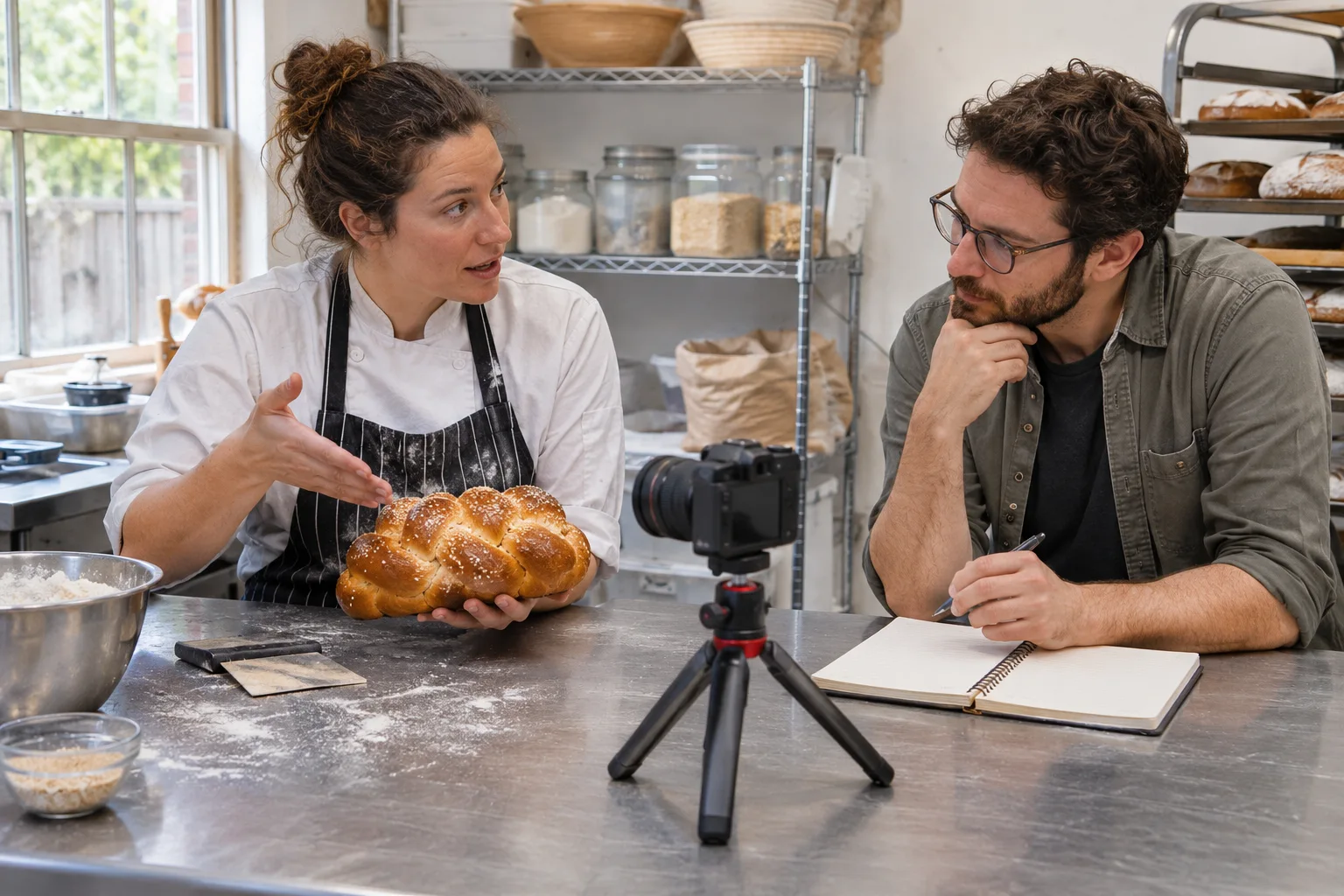
A business video should help a visitor understand something specific. Give it a clear place on the website, an accurate preview, and enough surrounding explanation to establish its purpose. Publishing the file is only the beginning of making it useful.
Reconstructed archive: March 2021. Written in November 2026 using contemporary historical sources. The archive date organizes this series; this text is not a recovered original.
The March 2021 resources
Google published new video SEO resources on March 17, 2021, covering discoverability, thumbnails, structured data, sitemaps, and access to video files. The historical guidance connected technical availability with clear video presentation. Current requirements should be checked before implementing a search feature.
Choose a concrete subject
A short demonstration of a real process can answer a question that text alone leaves unclear. Tell the viewer what the video covers. Avoid a generic promotional montage when the page promises practical guidance or evidence of a specific service.
A present-day video publication handoff
Before publishing, give the maintainer a record of the video owner, page URL, media or embed source, approved thumbnail, title, permissions and update contact. Use an accurate preview of the actual content rather than a stock image that implies a different demonstration.
- Playback: test the published player on phone and desktop. Check loading, play/pause controls, keyboard operation and what happens when an embedded service is unavailable or awaiting a consent choice.
- Accessible explanation: provide accurate captions for spoken content and the appropriate text or audio explanation of important visual information. Review automatic captions rather than assuming they are correct. The W3C media accessibility guide explains the alternatives for different content.
- Page purpose: explain what the demonstration covers and keep a relevant service or contact route available without requiring the visitor to finish playback.
- Technical accuracy: where video markup or a video sitemap is used, check that its title, thumbnail, dates and media information match the published video. Check the actual page and required resources against Google's current video guidance; adding markup alone does not guarantee video indexing.
- Maintenance: retest after replacing the video, changing the player or moving the page. Keep the preview and any transcript consistent with the current version.
For choosing the subject, see planning a useful demonstration. For deciding whether video should be the page's main purpose, see video-page purpose. This handoff checks that the approved asset actually works for visitors.
Explore website design, digital marketing strategy, or contact Guardian Solutions to discuss your next step.
Historical source: Google announcement dated 2021-03-17.