
Table of Contents
When it comes to small business web design, staying organized is key to success in 2026. Below, you’ll find a simple Table of Contents that outlines each section of this guide:
- Introduction
- Why Is Web Design Important for Small Businesses in 2026?
- Summary of the 7 Small Business Web Design Tips
- 7 Small Business Web Design Tips for Success in 2026
- Prioritize Mobile-First and Responsive Design
- Optimize Website Speed and Performance
- Focus on User Experience (UX) and Accessibility
- Integrate SEO Best Practices from the Start
- Streamline Navigation and Clear Calls-to-Action
- Embrace Visual Storytelling and Branding
- Keep Security and Maintenance a Top Priority
- How to Choose the Right Web Design Partner for Your Small Business
- Summary
This Table of Contents will help you quickly navigate each tip and make the most of your small business web design journey.
Is your small business web design ready for 2026? In today's digital world, a strong online presence is not just nice to have, it's essential for growth.
Many small business owners feel overwhelmed by changing web design trends and rising customer expectations. It can be tough to know where to start or what really matters.
That's why this article reveals seven practical small business web design tips for success in 2026. You'll discover simple, effective strategies to help your business stand out and connect with more customers.
Why Is Web Design Important for Small Businesses in 2026?
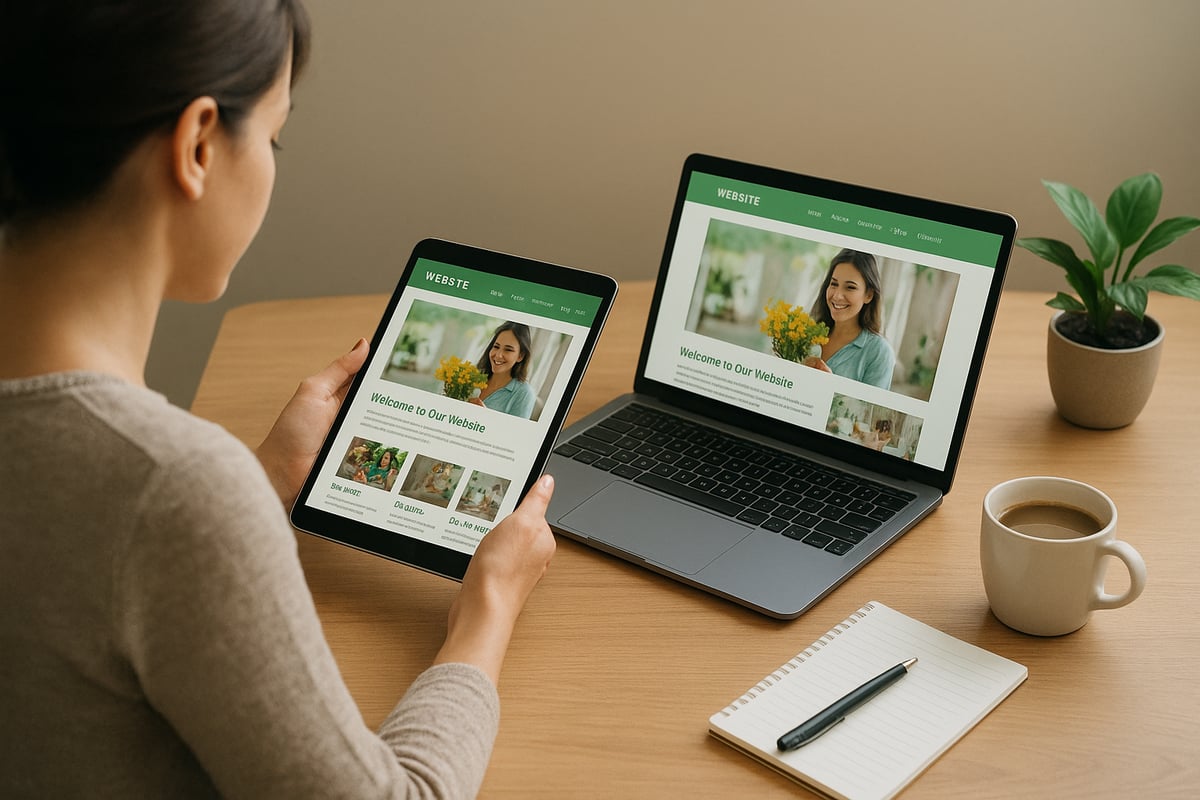
Small business web design plays a huge role in how your business is seen online. In 2026, your website is often the first thing people see. If your site looks outdated or is hard to use, visitors may leave before learning about your services.
Why Does Web Design Build Trust?
Did you know 75% of users judge a company's credibility by its website design? This means your website is your digital storefront. A clean, modern look helps people trust your business. Fast loading, easy-to-read content, and clear branding all help build that trust.
When you invest in Small Business Website Design Services, you show visitors you care about their experience. This trust leads to more people reaching out or buying from you.
How Does Modern Design Drive Results?
A strong small business web design helps turn visitors into customers. Modern sites use clear calls to action, simple layouts, and mobile-friendly features. These elements keep people engaged and guide them to contact or buy from you.
Good design also helps your marketing. Search engines like Google rank well-designed, fast websites higher. This means more people can find your business online. Easy navigation and smart content help answer questions, which builds trust and increases leads.
What Trends Shape Small Business Web Design in 2026?
Competition is fierce, and customers expect more from websites in 2026. AI-driven personalization lets your site show content that fits each visitor. Voice search is growing, so your site must be easy to use by voice commands.
People want fast, smooth experiences on any device. If your site looks great on phones and tablets, you reach more customers. Staying updated with trends like these keeps your business ahead.
Outdated vs. Modern: What’s the Impact?
Let’s compare two sites. One is old, slow, and hard to use. The other is modern, fast, and easy to navigate. The modern site gets more visitors, higher search rankings, and more sales.
Small business web design is not just about looks. It is about building trust, growing your brand, and future-proofing your business. In 2026, a strong website is the key to standing out and winning more customers.
Summary of the 7 Small Business Web Design Tips
When it comes to small business web design, having a clear plan is the first step to online success in 2026. To help you get started, here is a quick overview of the seven tips every small business should consider:
- Prioritize mobile-first and responsive design for users on all devices.
- Optimize website speed and performance to keep visitors engaged.
- Focus on user experience and accessibility for everyone, including those with disabilities.
- Integrate SEO best practices from the start for better search rankings.
- Streamline navigation and use clear calls-to-action to guide visitors.
- Embrace visual storytelling and strong branding to tell your business story.
- Keep security and maintenance a top priority to protect your website.
Each tip tackles a challenge small businesses often face, from reaching mobile users to building trust and standing out in a crowded market.
If you want to see these strategies in action, check out our Website Portfolio for Inspiration to view real examples of small business web design done right.
In the next sections, we will explore each tip in detail with practical steps you can use. This guide will help you improve visibility, boost conversions, and build a trustworthy brand with small business web design.

7 Small Business Web Design Tips for Success in 2026
Today, small business web design is more important than ever. If you want to succeed in 2026, you need a website that works for your customers and your business goals. Below, I’ll walk you through seven practical tips to help your website stand out, work smoothly, and drive real results.

1. Prioritize Mobile-First and Responsive Design
Why is mobile-first so critical for small business web design in 2026? Simple: Over 65 percent of web visits come from mobile devices. People shop, research, and contact businesses right from their phones.
Mobile-first design means you build your website for smartphones and tablets first, then scale up for desktop. Google’s mobile-first indexing checks your mobile site before your desktop version. If your site isn’t mobile-ready, you risk losing rankings and customers.
How can you make your site mobile-friendly?
- Use flexible layouts that adjust to any screen size.
- Make images and text scalable so they look sharp everywhere.
- Design touch-friendly menus and buttons for easy navigation.
Here’s an example: A local bakery switched to a mobile-first layout. After the redesign, their bounce rate dropped, and mobile orders doubled in just a few months.
Responsive design also helps people with disabilities. For instance, larger buttons and readable text benefit everyone. Tools like Google Mobile-Friendly Test and responsive frameworks like Bootstrap make testing and launching easier.
In 2026, a mobile-first approach isn’t just a trend. It’s the foundation of small business web design success.
2. Optimize Website Speed and Performance
Ever waited for a website to load and then just left? You’re not alone. Studies show that if your site takes more than three seconds to load, you could lose up to 40 percent of your visitors. For small business web design, speed is money.
A fast website improves user experience, boosts your search ranking, and increases sales. What can you do to speed things up?
- Compress images without losing quality.
- Use browser caching to store site files locally.
- Take advantage of Content Delivery Networks (CDNs) to serve content faster.
Let’s look at a real-world example. A small boutique improved their load times by compressing images and enabling caching. Their online sales grew by 25 percent in just one quarter.
Don’t forget about mobile speed. Many users are on the go and expect instant results. Regularly run audits using Google PageSpeed Insights, GTmetrix, or WebPageTest. These tools pinpoint slowdowns and offer clear fixes.
In short, fast-loading pages are a must for effective small business web design in 2026.
3. Focus on User Experience (UX) and Accessibility
User experience, or UX, is all about making your website easy and enjoyable for everyone. When small business web design puts users first, visitors stay longer and are more likely to take action.
Accessibility means your site works well for people of all abilities. In 2026, meeting WCAG 2.2 standards isn’t just the right thing to do, it’s required in many places.
How can you improve UX and accessibility?
- Keep layouts clean and simple.
- Use large, readable fonts and high-contrast colors.
- Maintain consistent branding for trust.
- Add alt text to images for screen readers.
- Make all functions available by keyboard, not just mouse.
- Use ARIA labels to help assistive technology.
Here’s a tip: Run your site through tools like WAVE or Axe to spot and fix accessibility issues. UserTesting is great for real feedback.
One small business we worked with added alt text and improved color contrast. They saw more positive reviews and a wider customer base.
Remember, ignoring accessibility can lead to lost customers or even lawsuits. Prioritizing UX and accessibility sets your small business web design apart.
4. Integrate SEO Best Practices from the Start
If you want your website found on Google, SEO must be baked into your small business web design from day one. Good SEO means more visitors, more leads, and more sales.
On-page SEO includes using optimized titles, meta descriptions, and header tags. Place your main keywords naturally throughout your content. Technical SEO covers site speed, mobile-friendliness, secure HTTPS, and structured data.
Don’t forget about content. Quality blog posts, FAQs, and service pages help answer real questions your customers have.
Did you know that sites on page one of Google get over 90 percent of the search traffic? That’s why integrating SEO and design is a game changer.
Want a step-by-step guide? Check out our SEO for Small Businesses Guide for actionable strategies.
I’ve seen small businesses double their traffic by combining SEO with smart web design. Use tools like SEMrush, Ahrefs, Moz, and Google Search Console to monitor your progress.
For small business web design, SEO isn’t optional. It’s essential.
5. Streamline Navigation and Clear Calls-to-Action
Have you ever left a website because you couldn’t find what you needed? Clear navigation is the backbone of small business web design. Confusing menus and cluttered pages drive people away fast.
So, how do you fix it?
- Use simple, easy-to-understand menus.
- Organize pages in a logical order.
- Add sticky navigation bars so menus are always visible.
Calls-to-action (CTAs) are just as important. Make your CTAs stand out with clear, action-focused text like “Contact Us,” “Get a Quote,” or “Shop Now.”
Here’s a table summarizing best practices for navigation and CTAs:
| Best Practice | Why It Matters |
|---|---|
| Simple Menus | Helps users find info quickly |
| Logical Hierarchy | Guides visitors through your site |
| Sticky Nav Bars | Keeps navigation within reach |
| Bold CTAs | Increases conversions and sales |
Test different versions of your navigation and CTAs with A/B testing. This helps you see what works best for your audience.
Good navigation and strong CTAs make small business web design work harder for you.
6. Embrace Visual Storytelling and Branding
People remember stories and visuals much more than plain text. That’s why visual storytelling is a powerful tool in small business web design.
Use images, videos, and graphics to share your brand’s story and values. The latest trends include custom illustrations, authentic photos, video backgrounds, and simple animations.
Consistent branding matters too. Your logo, colors, fonts, and messaging should look the same across every page.
For example, a local coffee shop used real photos of their team and customers. Their website felt more welcoming, which led to more repeat visitors.
Remember, visuals should never hurt usability. Always use high-quality images, compress them for fast loading, and add alt text for SEO and accessibility.
Helpful tools include Canva for graphics, Adobe Express for editing, and LottieFiles for fun animations.
When your site tells a story, small business web design becomes memorable.
7. Keep Security and Maintenance a Top Priority
Cybersecurity threats are on the rise, especially for small businesses. Did you know 43 percent of cyberattacks target small companies? That’s why security is a pillar of small business web design.
Start with the basics:
- Use SSL certificates for encrypted connections.
- Choose secure website hosting.
- Keep all software and plugins updated.
Other best practices include strong passwords, firewalls, malware scanning, and regular backups. Set up ongoing monitoring and schedule regular security audits.
Here’s what can happen when you ignore maintenance: One business lost weeks of sales after a simple plugin went out of date and got hacked. Regular updates and backups would have prevented it.
Consider tools like Sucuri and Wordfence to protect your site. If you need secure hosting, look for providers who specialize in small business security.
Prioritizing security and maintenance in small business web design protects your investment and your customers.
How to Choose the Right Web Design Partner for Your Small Business
Choosing a partner for your small business web design journey can feel overwhelming. With so many options, how do you know who will deliver real results? The right agency is more than just a vendor; they're a growth partner invested in your success.
What Should You Look for in a Web Design Partner?
First, look at their experience with small business web design. Do they have a portfolio that matches your style and industry? Check for client testimonials that speak to their reliability and results.
A good partner should offer a one-stop-shop for design, SEO, hosting, security, and digital marketing. This makes your life easier and keeps your website running smoothly. Transparent pricing and ongoing support are non-negotiable.
Here's a quick table to help you compare:
| Criteria | Why It Matters |
|---|---|
| Experience | Knows small business challenges |
| Portfolio | Shows creative fit and skill |
| Testimonials | Builds trust and credibility |
| Pricing | Keeps your budget on track |
| Ongoing Support | Ensures long-term website success |
If you want everything under one roof, consider Professional Website Design Services for a seamless experience.
How Do You Evaluate Proposals and Compare Services?
Next, gather proposals from your top choices. Review what is included: do they handle small business web design, SEO, and security together? Make sure the scope matches your goals.
Compare timelines, deliverables, and support plans. Are revisions included? What about training or post-launch help?
Ask for a clear breakdown of costs. Watch for hidden fees. A detailed proposal shows the agency understands your needs and values transparency.
Look for a partner that offers regular updates and easy communication. The best fit will treat your business like their own, not just another project.
What Questions Should You Ask Before Deciding?
Before you sign, ask the right questions. How will they approach mobile-first design? Do they integrate SEO from day one? What is their process for updates and security?
Also, ask if they provide ongoing training or if you’ll have access to make simple updates. Find out how they handle emergencies or unexpected issues.
A strong small business web design partner should be able to share case studies of past successes. For example, many small businesses see real growth after choosing a team that aligns with their vision and goals.
Taking the time to ask these questions will help you feel confident in your decision.
The right small business web design partner can make all the difference in your online success. Choose wisely, and you’ll build a website that grows with you for years to come.
Summary
Small business web design is now more important than ever for competing online in 2026. By following these seven tips, you can create a site that is fast, mobile-friendly, and welcoming for all users.
Remember, strong design helps you build trust, boost visibility, and drive real growth for your business. Each strategy—from mobile-first layouts to security—plays a key role in your success.
If you want steady results, take action on these ideas or work with a trusted expert. Investing in small business web design today means building a future-proof brand your customers will love.
So, after soaking in all these web design tips for 2026, you might be wondering—where do you start or how do you put it all together for your business? I get it; keeping up with trends, SEO, and security can feel overwhelming. But you don’t have to do it alone. If you’re ready to boost your online presence and turn your website into a growth engine, why not reach out for a helping hand? Let’s chat about your goals, your vision, and how we can make your website work harder for you. Let's Work Together! Contact Us Today...